1. The Short Verdict
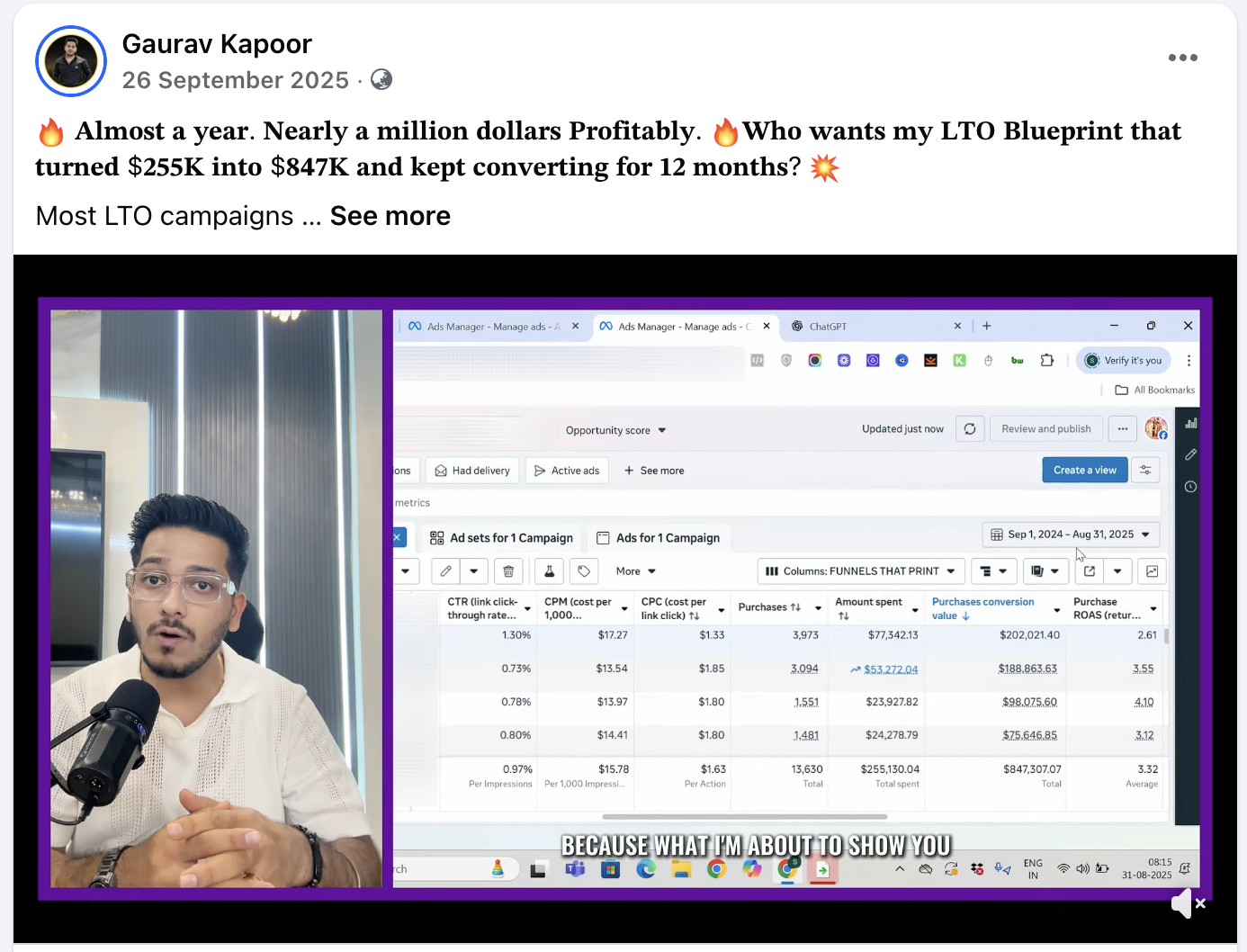
This GoHighLevel review comes from a team that builds on the platform every week. Most of the 275+ client results we have documented since 2019 run on lead generation funnels, and most of those funnels run on GoHighLevel. That makes us fans with a long list of complaints, which is the most useful kind of reviewer.
The short verdict: GoHighLevel is the best value all-in-one platform for businesses that sell through calls and appointments. It is not the best page builder, not the easiest tool to learn, and not the right fit for every business. If your revenue depends on reaching leads fast and getting them to show up, it is very hard to beat.
If you are still comparing platforms, start with our best funnel builder 2026 roundup. If you have already chosen GoHighLevel and want it built properly, see our GoHighLevel agency page.
2. What GoHighLevel Actually Does
GoHighLevel, often shortened to GHL or HighLevel, bundles tools that most businesses buy separately:
Funnels, sites and forms
Landing pages, multi-step forms, surveys, websites and basic checkout.
CRM and pipelines
Contacts, opportunities, pipeline stages, tags, custom fields and round-robin assignment.
SMS, email, calls and inbox
Two-way texting, email, phone numbers, missed-call text-back and one unified conversations inbox.
Workflows and calendars
Trigger-based workflows, booking calendars, reminders, review requests and AI features.
Agencies can also white-label the platform and resell it to clients, and snapshots let you copy an entire account setup into a new one. Our GoHighLevel snapshot glossary entry explains how they work.
3. Pros: Where It Earns Its Place
Follow-up lives next to the funnel
This is the reason we use it. A form submission can fire an SMS, an AI call and an email in the first minute with no third-party glue. Across 60+ deployments of our speed-to-lead system, the median first contact was 38 seconds, 84% of leads were reached inside the first minute and lead-to-booking rose 2.4x on the same ads and pages.
Reminders that protect show rate
Calendars, SMS and email reminders live in the same account, so a three-channel reminder sequence is quick to build. We have seen show-up rates of up to 88% with that setup. The no-show reminder sequence template has the exact timing.
One bill instead of five
A comparable stack of a page builder, CRM, SMS platform, scheduler and automation tool usually costs as much or more per month and needs four or five logins. Fewer integrations means fewer silent failures.
Pipeline-based tracking
Because every stage change is an event, it is straightforward to send qualified, booked and won events back to Meta server-side. Our Conversions API setups recovered 31% more events than the pixel alone.
4. Cons: What Frustrates Real Users
- Steep learning curve. The platform does a lot and the menus show it. New users often build three pipelines, forty tags and a dozen overlapping workflows in their first month.
- The page builder is good, not great. It is capable, but dedicated builders feel smoother for complex designs, and checkout features like one-click upsells are less polished than ClickFunnels.
- Usage costs add up. SMS, calls, email and AI features are billed per use. That is fair, but owners are often surprised by the bill once lead volume grows.
- Frequent changes. New features ship constantly. That is mostly good, but menus move, and documentation sometimes trails the product.
- Phone and SMS compliance setup. Registering numbers for business texting takes paperwork and patience, and messages can be filtered until it is done.
- Support quality varies. Answers can be slow for complex issues, so many users rely on community groups or an agency.
None of these are deal-breakers for a booked-call business, but they are real. Most of them disappear when the account is planned before it is built.
5. Pricing as of November 2026
| Plan | Monthly price | Best for |
|---|---|---|
| Starter | $97 | A single business running its own funnels and CRM |
| Unlimited | $297 | Agencies managing multiple client sub-accounts |
| SaaS Pro | $497 | Agencies reselling the platform under their own brand |
Annual billing reduces each plan, and a free trial is available. On top of the plan, budget for usage: SMS and calls, email sends, phone numbers and AI features. For AI calling specifically, our deployments ran roughly $0.10 to $0.25 per minute, or about $3 to $9 per booked appointment compared with $40 to $120 using human setters. The AI voice agent ROI calculator shows what that means at your volume.
Plan names and inclusions change, so confirm the details on HighLevel's own pricing page before you sign up.
6. Our Verdict, Feature by Feature
These ratings reflect how each area performs for the businesses we build for, which are mostly booked-call and appointment offers. They are our opinion from daily use, not a lab benchmark.
| Area | Our rating | Notes |
|---|---|---|
| Follow-up automation | Excellent | The core reason to choose it; SMS, email and calls trigger in seconds |
| CRM and pipeline | Very good | Clean for small teams; less depth than enterprise CRMs |
| Calendars and reminders | Very good | Round-robin, buffers and multi-channel reminders built in |
| Page builder | Good | Capable and fast; dedicated builders feel smoother for complex designs |
| Checkout and upsells | Fair | Works, but less polished than checkout-first tools |
| Ease of learning | Fair | Steep for beginners; much easier from a well-built snapshot |
| Value for money | Excellent | Replaces several tools for booked-call businesses |
If the areas you care most about are near the bottom of this table, consider one of the alternatives below before committing.
7. Who It Is For, and Who Should Skip It
| Good fit | Probably not |
|---|---|
| Home services like roofing and HVAC that need instant call-back | Pure eCommerce stores that already run on Shopify |
| Med spas, dentists and clinics that run on appointments | Info-product sellers who only need a checkout and email |
| Coaches and consultants with application funnels | Large B2B teams that need enterprise reporting |
| Marketing agencies managing many client accounts | Anyone unwilling to spend time on setup or pay for help |
If you are weighing it against a traditional CRM, our GoHighLevel vs HubSpot comparison goes deeper. If you are weighing it against a budget all-in-one, see GoHighLevel vs Systeme.io.
8. What It Looks Like in Practice
Features lists only tell you so much. Here is what a typical GoHighLevel lead funnel does in the first day after someone fills in a form, the way we set it up for clients:
| Time after opt-in | What happens |
|---|---|
| 0 to 15 seconds | Contact created, tagged by source, placed in the New Lead stage, personal SMS sent |
| 15 to 45 seconds | AI or human call attempt; the lead can book directly on the calendar |
| Under 60 seconds | Email with proof and a booking link |
| Hours 2 to 24 | Further call and SMS attempts if not reached; stops instantly on booking |
| After booking | Three-channel reminders and a server-side booked event sent to Meta |
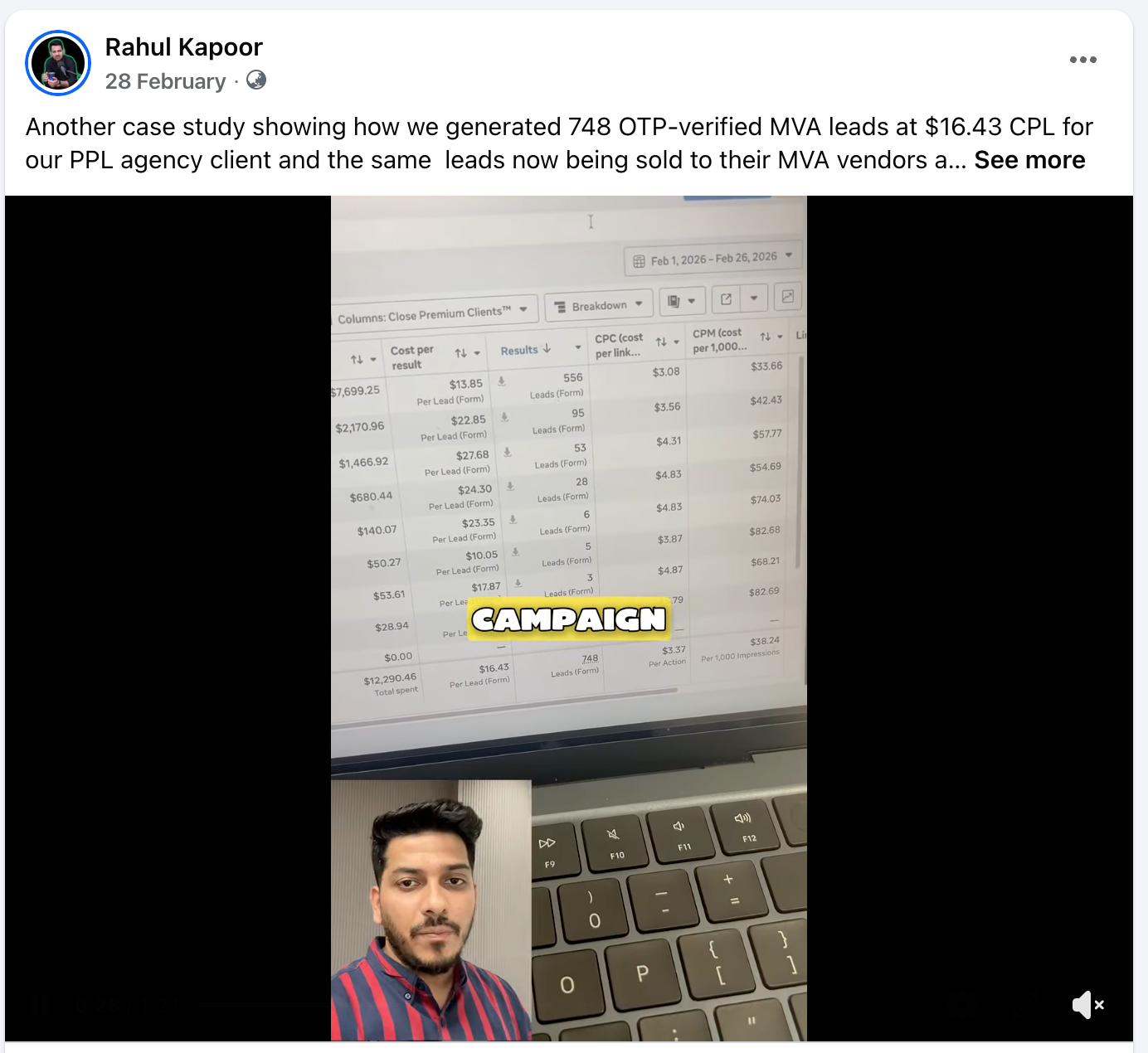
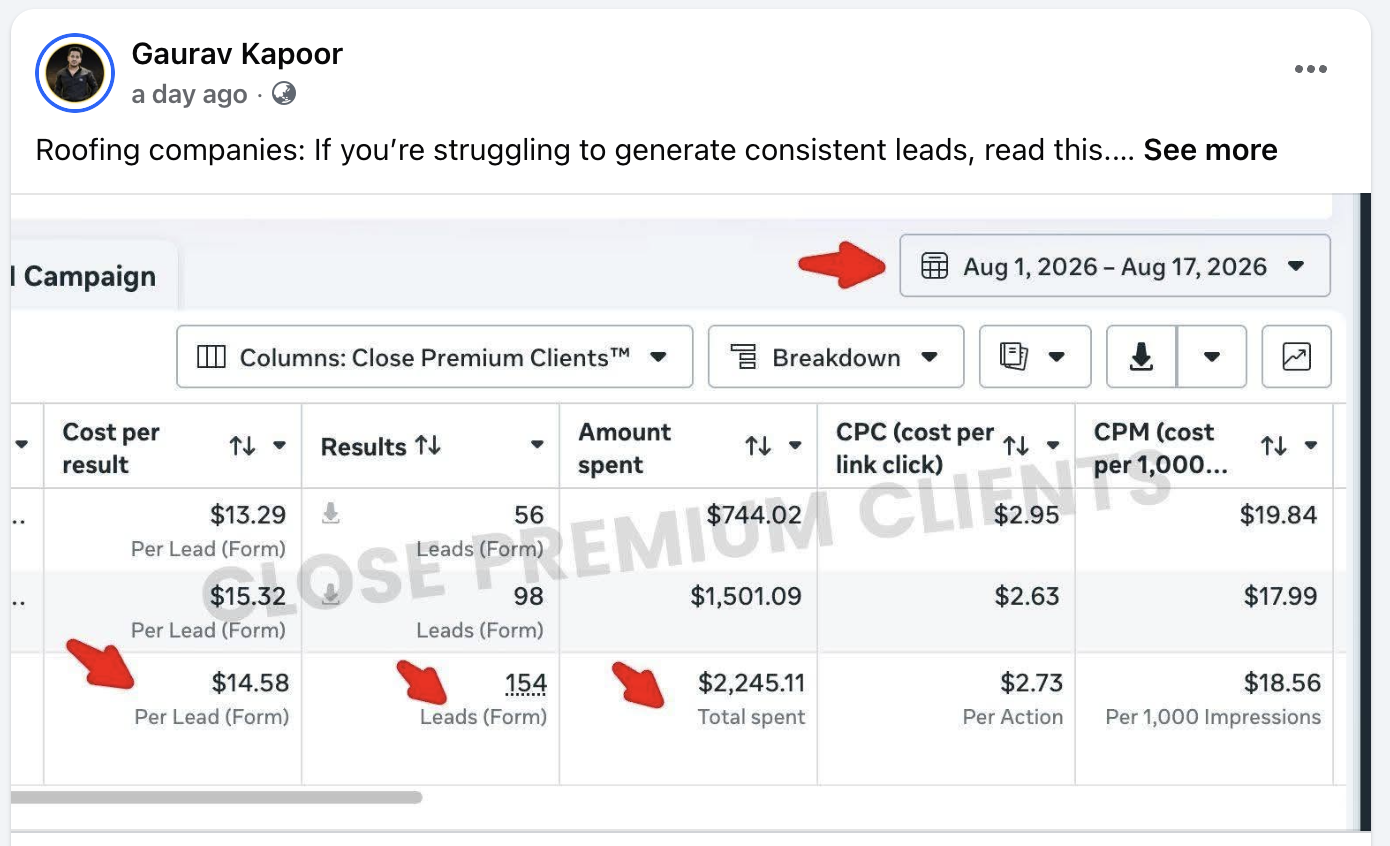
This is the system behind the results on our lead generation case studies page. Fast, consistent follow-up is what lets cheap leads, such as 537 roofing leads at $4.27, become booked jobs instead of an unread list.
9. GoHighLevel Alternatives Worth Considering
- ClickFunnels: better for checkout-led product funnels with order bumps and one-click upsells. Many sellers pair it with GoHighLevel for follow-up.
- HubSpot: better for larger B2B teams that need deep reporting and complex permissions, at a significantly higher price.
- Systeme.io: much cheaper and simpler for solo creators who do not need SMS, calling or a sales pipeline.
- Kajabi: better for course and membership delivery, but not designed for appointment-driven sales.
Each has a place. The question is whether your revenue depends on what happens after the opt-in. If it does, an all-in-one with follow-up built in usually wins. If it does not, a simpler or cheaper tool may serve you better. Our GoHighLevel vs ClickFunnels breakdown goes into the most common head-to-head.
10. Getting Started Without the Mess
Design the pipeline before the pages
Seven stages is plenty: New Lead, Contacted, Qualified, Booked, Showed, Won, Lost. Every automation should key off a stage change. Our CRM pipeline entry covers the logic.
Build the first-minute workflow
SMS, call attempt and email inside 60 seconds, with booking as the workflow goal so everything stops when the lead books. Use our SMS follow-up templates as a starting point.
Add reminders and tracking
A three-channel reminder sequence before every call, and server-side events for qualified and booked stages.
Review weekly
Track time to first contact, contact rate, booking rate and show rate. If first contact drifts above 60 seconds, something in the chain has broken.
Our step-by-step 60-second follow-up guide walks through the workflow in detail. Or let us build it: our complete suite includes the funnel, CRM, automation, AI booking agent and tracking for $1,999 one-time, live in 5 to 10 business days. Book a strategy call to see if it fits.
Results from this playbook
Verified client results built on the system in this article, with the numbers from the ad account and CRM.
- 55Leads generatedHVAC Case Study: 55 Leads at $11.02 CPL
- 326Leads generatedHVAC Case Study: 326 Leads at $5.57 CPL
- 180Leads generatedHome Services Case Study: 180 Leads at $14.25 CPL
- 49Leads generatedHome Services Case Study: 49 Leads at $13.03 CPL
All HVAC lead generation case studies · All solar & home services lead generation case studies
Frequently Asked Questions
Is GoHighLevel worth it in 2026?
For businesses that sell through calls or appointments, usually yes. It replaces a separate CRM, SMS tool, calendar, email platform and automation tool, and puts follow-up next to the funnel. It is less worth it for pure product sellers who only need a checkout, or for teams unwilling to invest setup time.
How much does GoHighLevel cost per month?
As of November 2026 the plans are $97 a month for Starter, $297 for Unlimited and $497 for SaaS Pro, with discounts on annual billing. SMS, phone calls, email sends and some AI features are billed as usage on top, so your real monthly cost depends on lead volume and how much follow-up you run.
Is GoHighLevel hard to learn?
It has a real learning curve because it does so much. Most owners can build a simple funnel quickly, but pipelines, workflows, calendars and phone setup take time to get right. Starting from a well-built snapshot, or having the first build done for you, shortens that curve considerably.
Can GoHighLevel replace HubSpot?
For small and mid-sized service businesses, often yes, at a lower cost. HubSpot remains stronger for larger B2B teams that need deep reporting, complex permissions and marketing attribution across long sales cycles. If you have a handful of reps and a booked-call funnel, GoHighLevel usually covers what you need.
What is a GoHighLevel snapshot?
A snapshot is a saved copy of a GoHighLevel account setup, including funnels, pipelines, workflows, calendars and templates, that can be loaded into another account. Agencies use snapshots to deploy proven builds quickly. A good snapshot saves weeks, while a poor one imports someone else's mess into your account.
Does GoHighLevel include AI calling?
GoHighLevel offers AI features including voice and conversation agents, typically billed as usage. You can also connect an external AI voice agent through workflows and webhooks. In our deployments AI calling costs roughly $0.10 to $0.25 per minute, which worked out to about $3 to $9 per booked appointment.

Rahul Kapoor
Co-founder of Funnels That Print and lead on CRM automation, speed-to-lead systems, AI voice calling agents and server-side tracking. Rahul has built the GoHighLevel workflows, Meta Conversions API pipelines and reminder automations behind 275+ client funnels.
More from Rahul ↗